
01
Delivery Method
Compare pre-built, trailer-mounted, and panelized delivery.

Choose your model, size, layout, exterior finish, delivery method, and add-ons. See a live planning estimate, then send your completed design directly to JBS for review.
Opens the official JBS 3D studio designer at configurator.jbsbuilt.com. No account is required to explore.
Built Around Your Vision
The configurator turns the most important studio decisions into a guided visual process, so you can compare options before your JBS project review.
Compare pre-built, trailer-mounted, and panelized delivery.
Explore all four architect-designed Coast Studio models.
Choose your footprint, roof direction, and entry orientation.
Preview siding styles, exterior colors, trim, and roofing.
Test options such as decks, pergolas, stairs, and solar.
Review an itemized estimated MSRP as your design changes.
Choose a Starting Point
Each button opens the live designer with that model already selected. You can still compare or change models inside the tool.
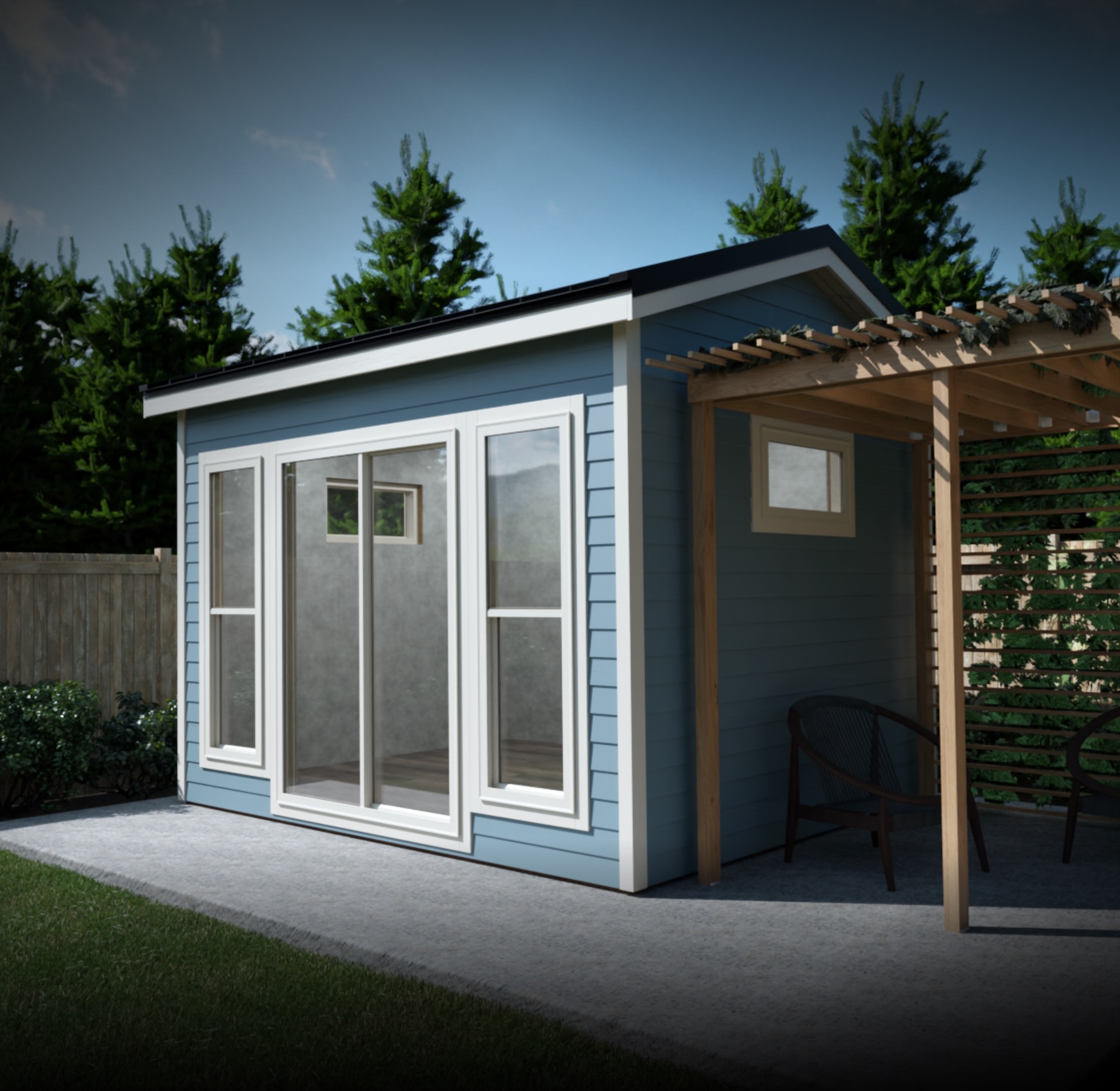
Modern Coastal
Choose finishes and options, then see a live configured estimate.
Design The Coast in 3D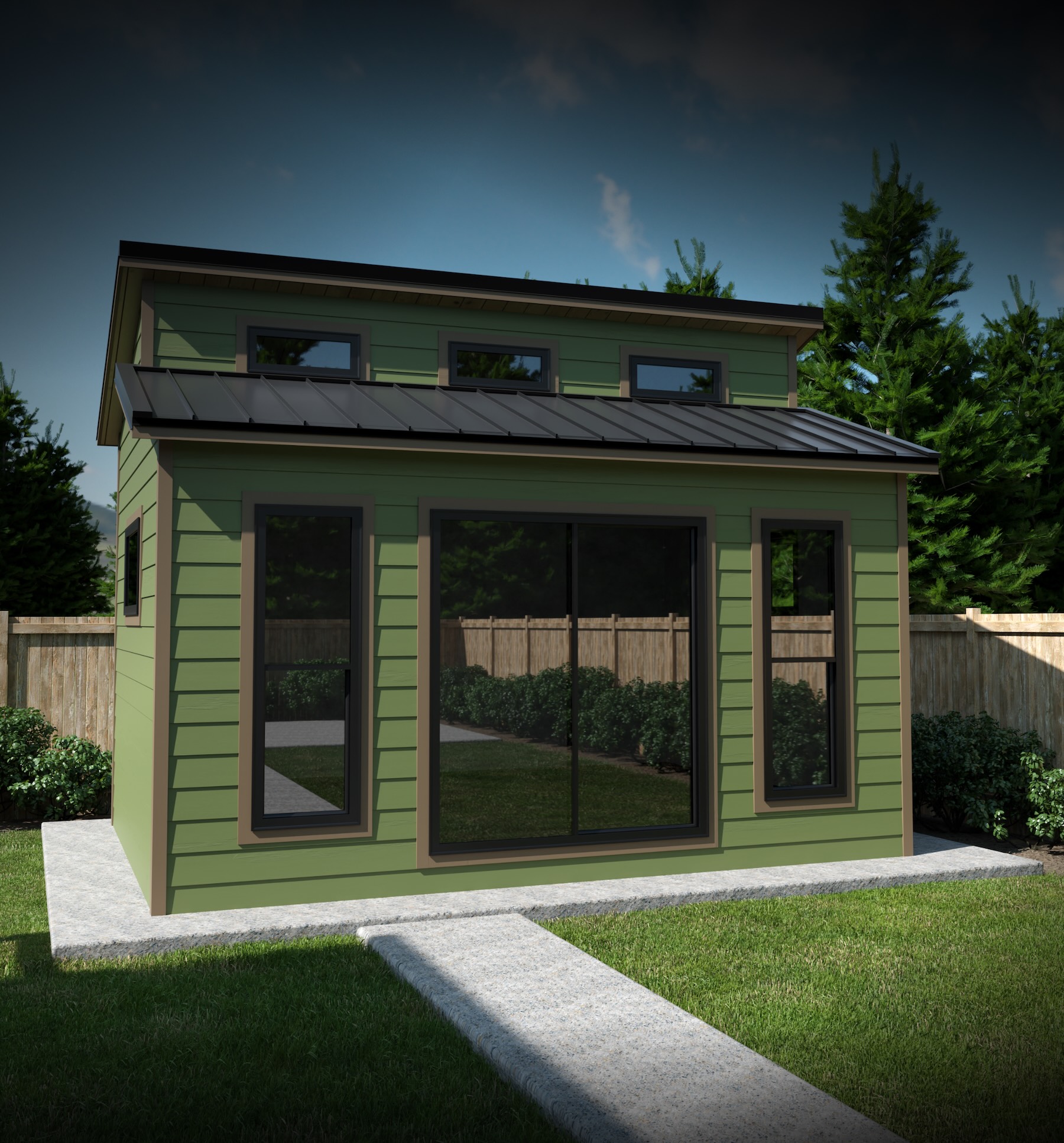
Classic New England
Choose finishes and options, then see a live configured estimate.
Design The Saltbox in 3D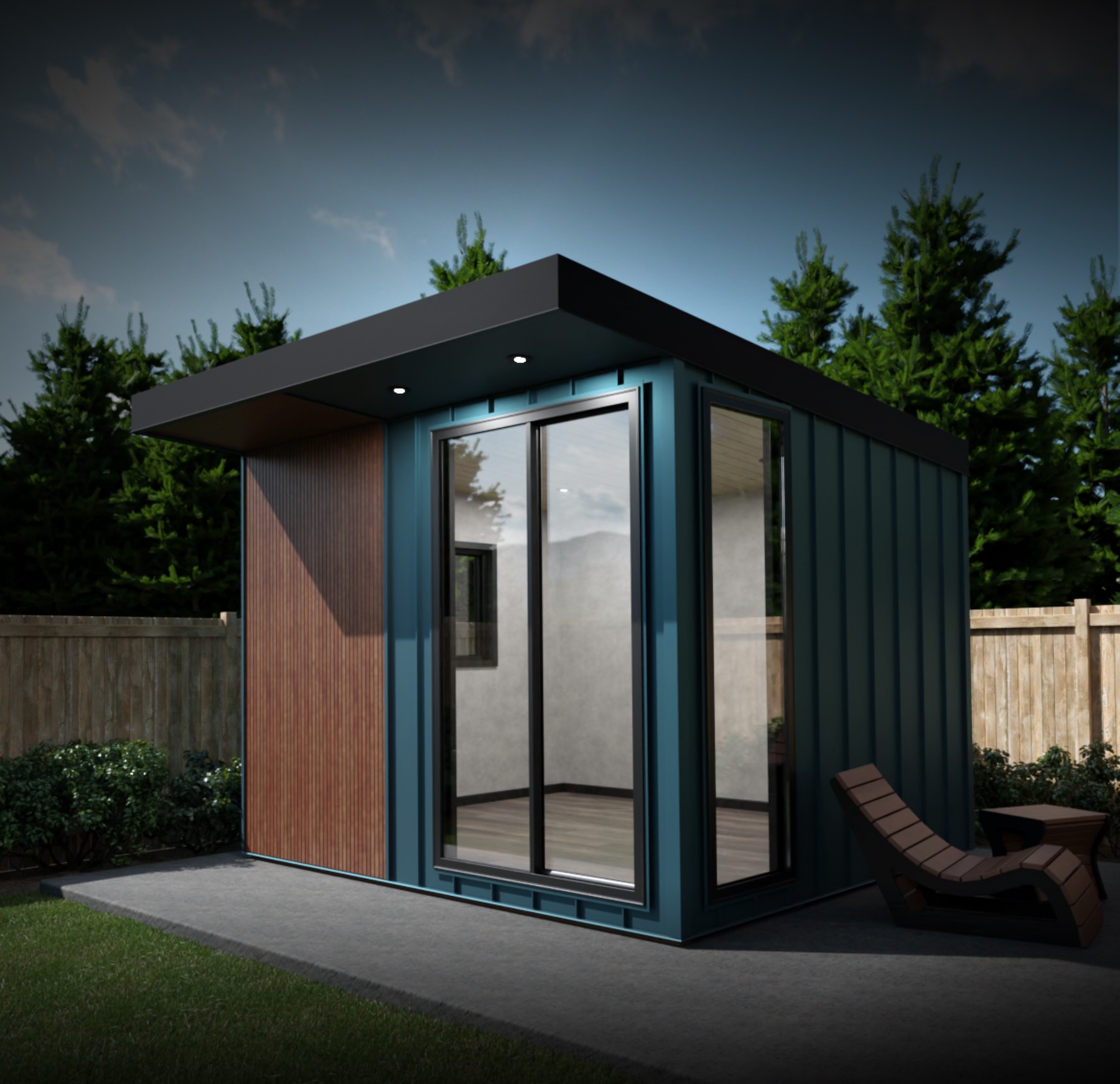
Architectural Edge
Choose finishes and options, then see a live configured estimate.
Design The Modern in 3D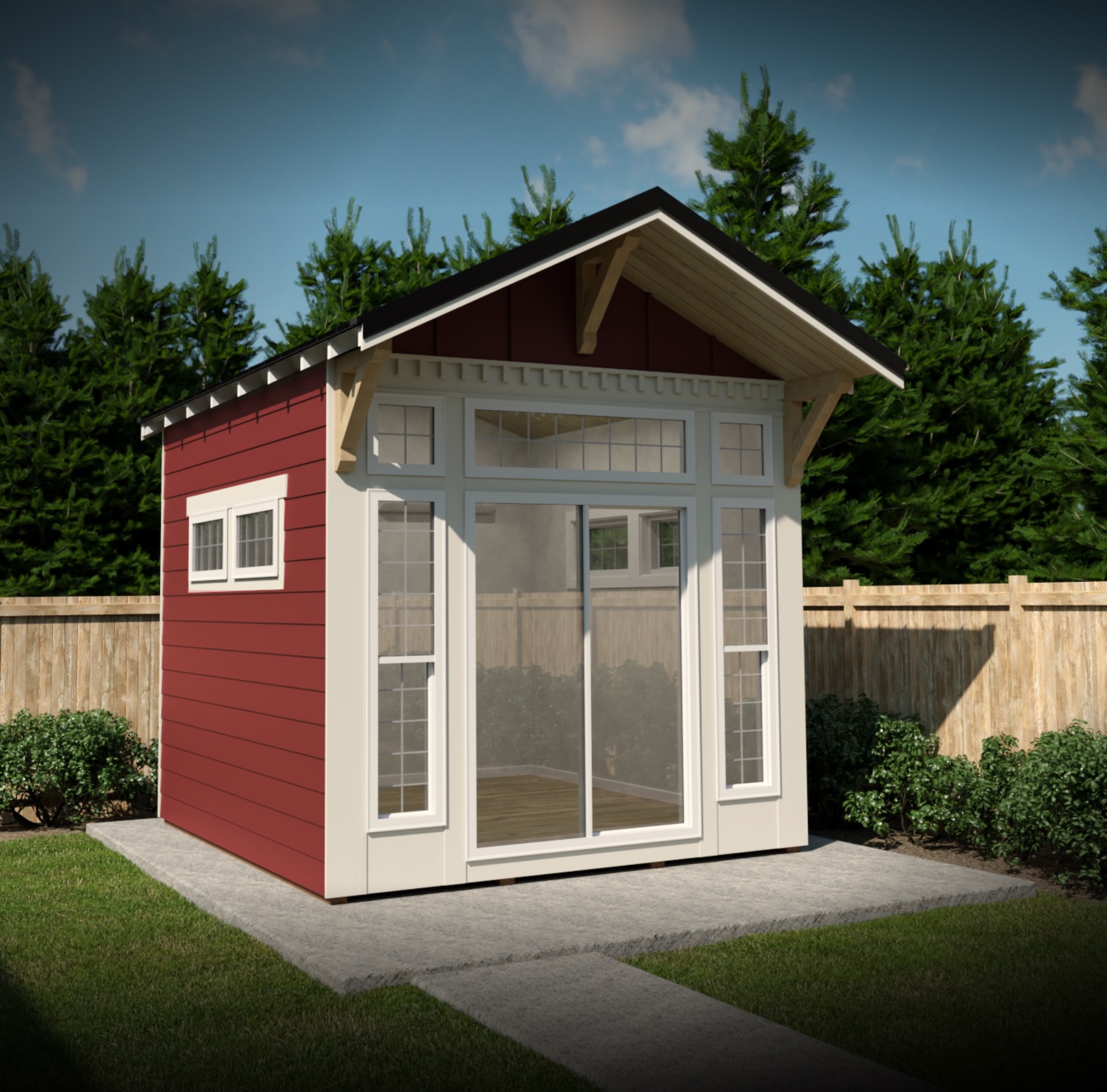
Warm & Welcoming
Choose finishes and options, then see a live configured estimate.
Design The Craftsman in 3DEvery Coast Studio Includes
From Idea to Project Review
Explore at your own pace. JBS steps in when you are ready to turn the design into a site-specific plan.
Start from all models or open a specific style.
Choose the layout, finish, delivery, and add-ons.
Review the estimate and send the full design to JBS.
Confirm your lot, pricing, timeline, and next steps.
Questions
The tool is built for exploring. You can compare options without committing to a project or submitting your contact information.
Need personal guidance? Erik can help you choose a model or talk through your property before you begin.
No. You can open the 3D designer, compare models, and explore options without creating an account. Contact information is requested only when you choose to save and send your design to JBS.
No. The configurator provides a planning estimate. Final pricing is confirmed after JBS reviews your site, access, delivery needs, permits, and any options that require project-specific pricing.
Your selected model, layout, finishes, delivery method, add-ons, and estimated total are sent to JBS with your contact details. Erik's team can then review the configuration with you and discuss the next steps.
Start with the full configurator to compare all four models, or review the model details on the Coast Studios page first. You can also contact JBS for personal guidance.
Yes. The designer includes a mobile layout. For the best 3D experience, use a current browser and a stable internet connection.
Prefer a Human First?
If you would rather describe your lot, goals, and timeline first, JBS will help you choose the right starting point. The general contact form and direct phone line are still available.
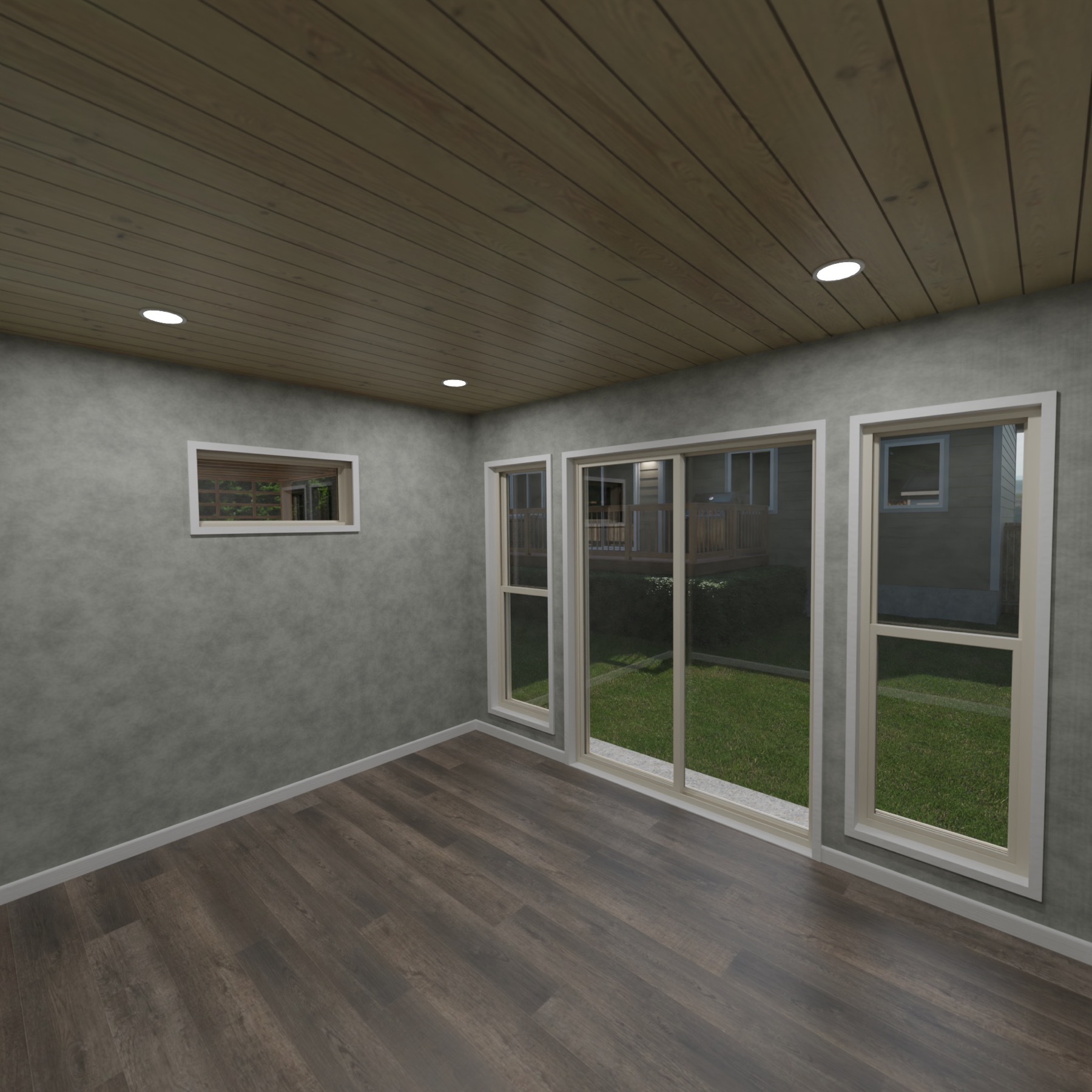
Your Backyard. Your Studio.
Build a studio around the way you work, create, train, or unwind—then send the full configuration to JBS when it feels right.
Launch the 3D Configurator